
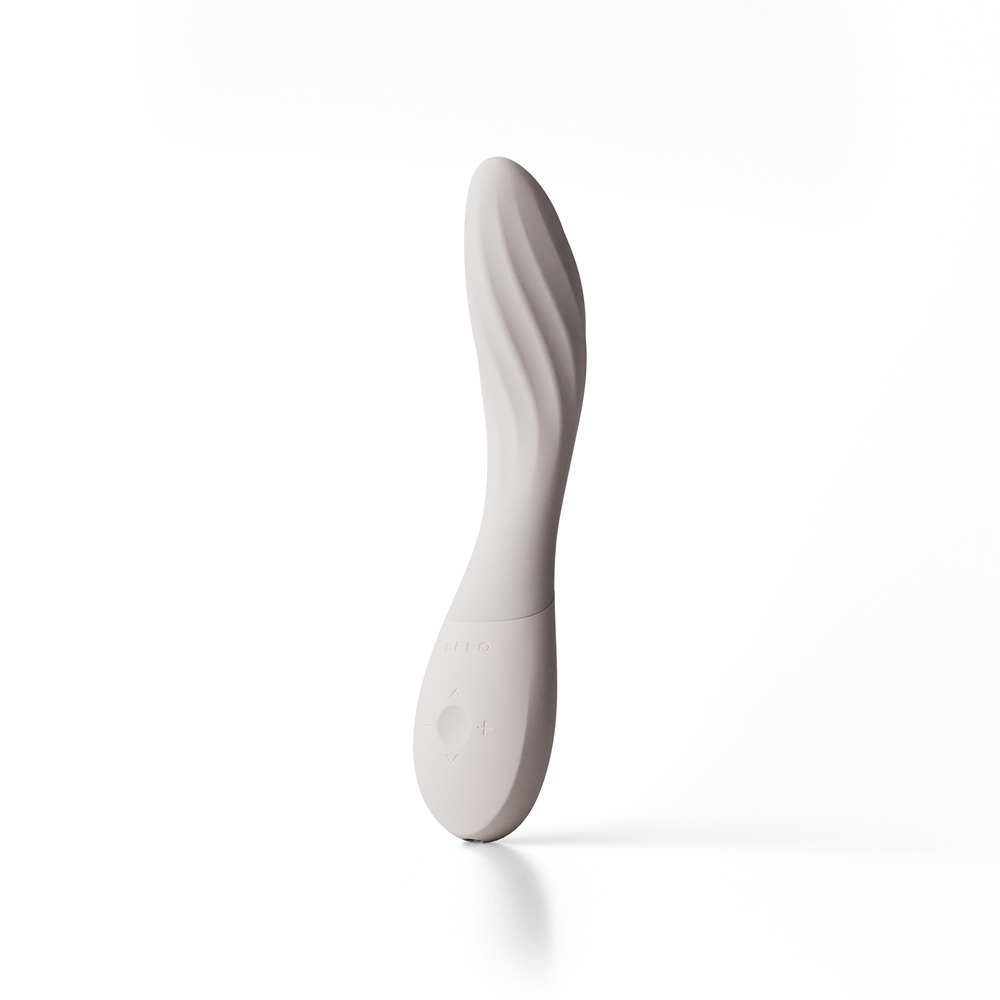
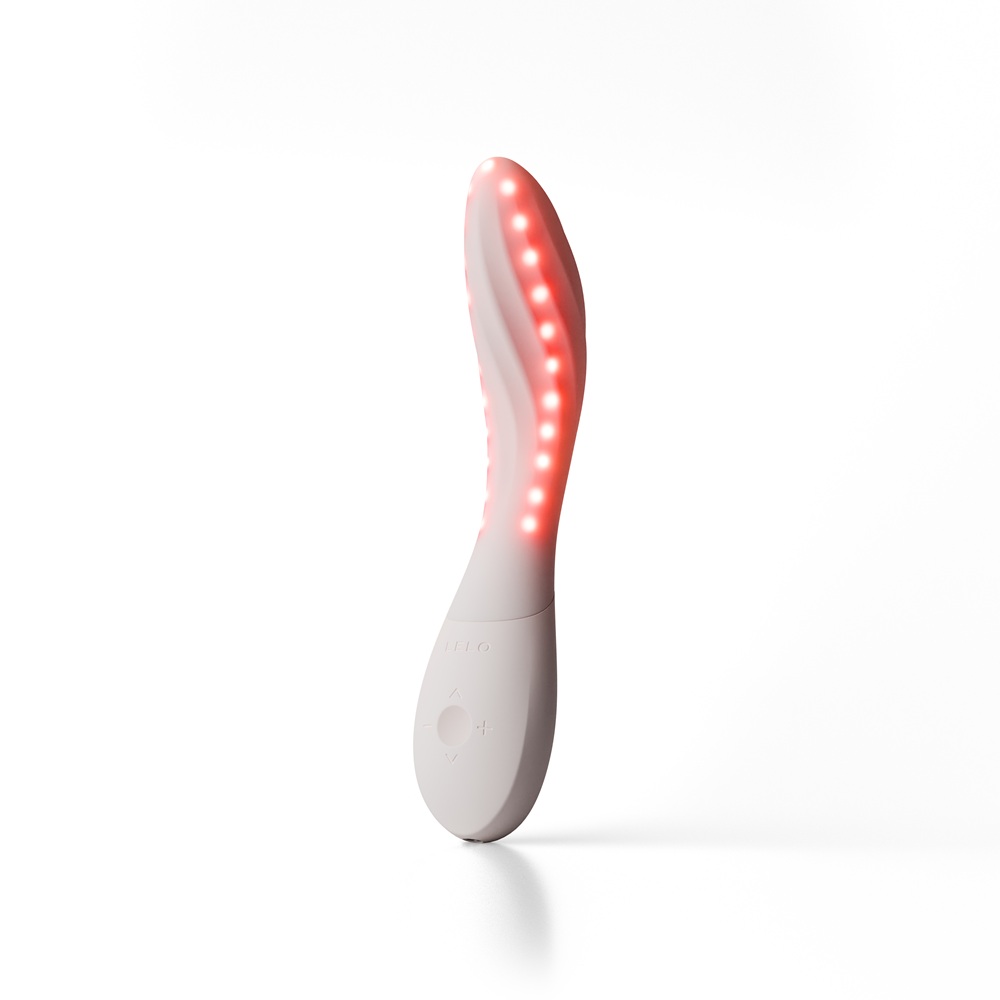
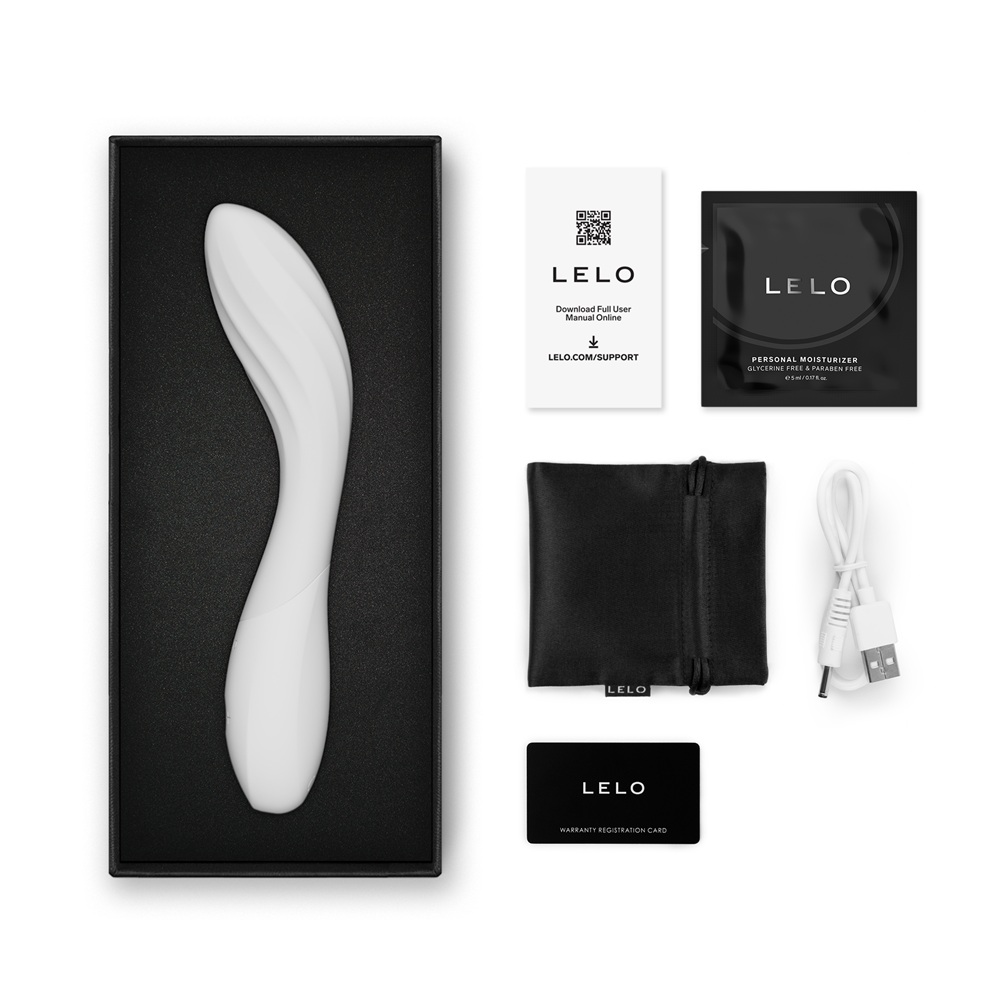
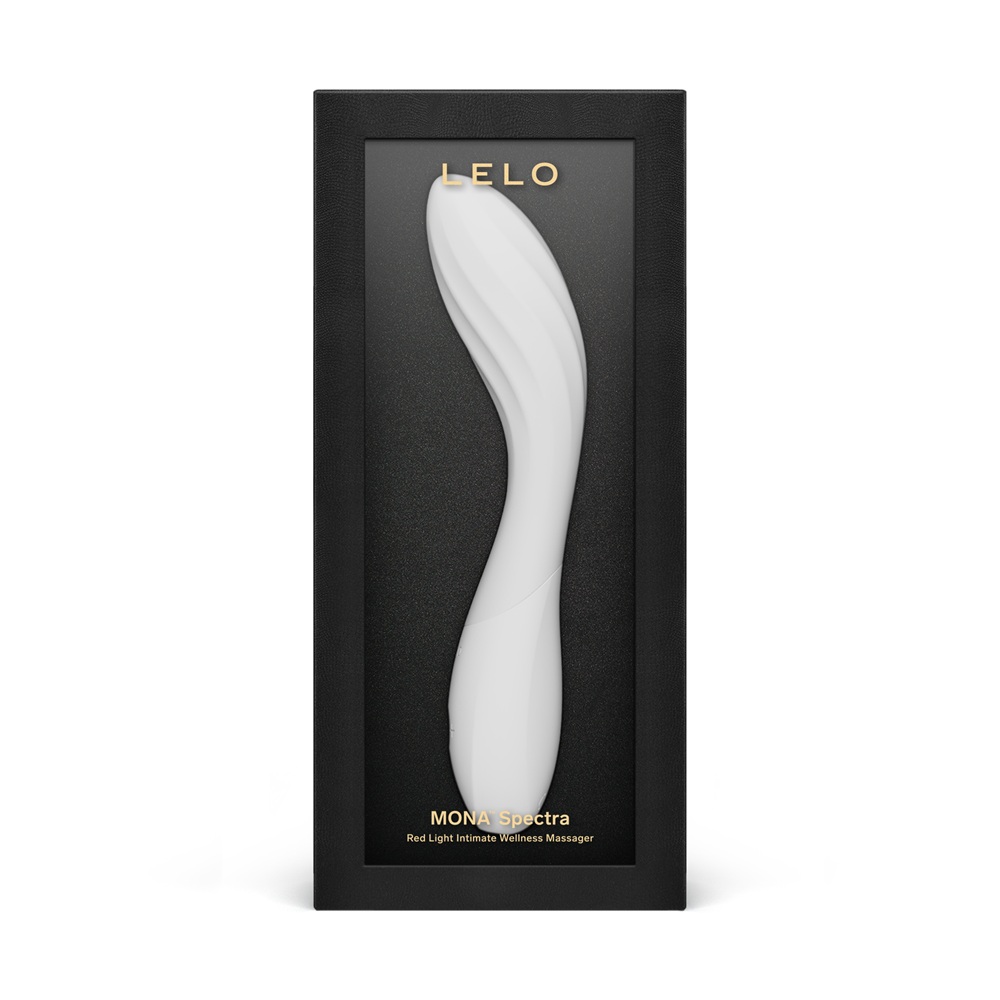
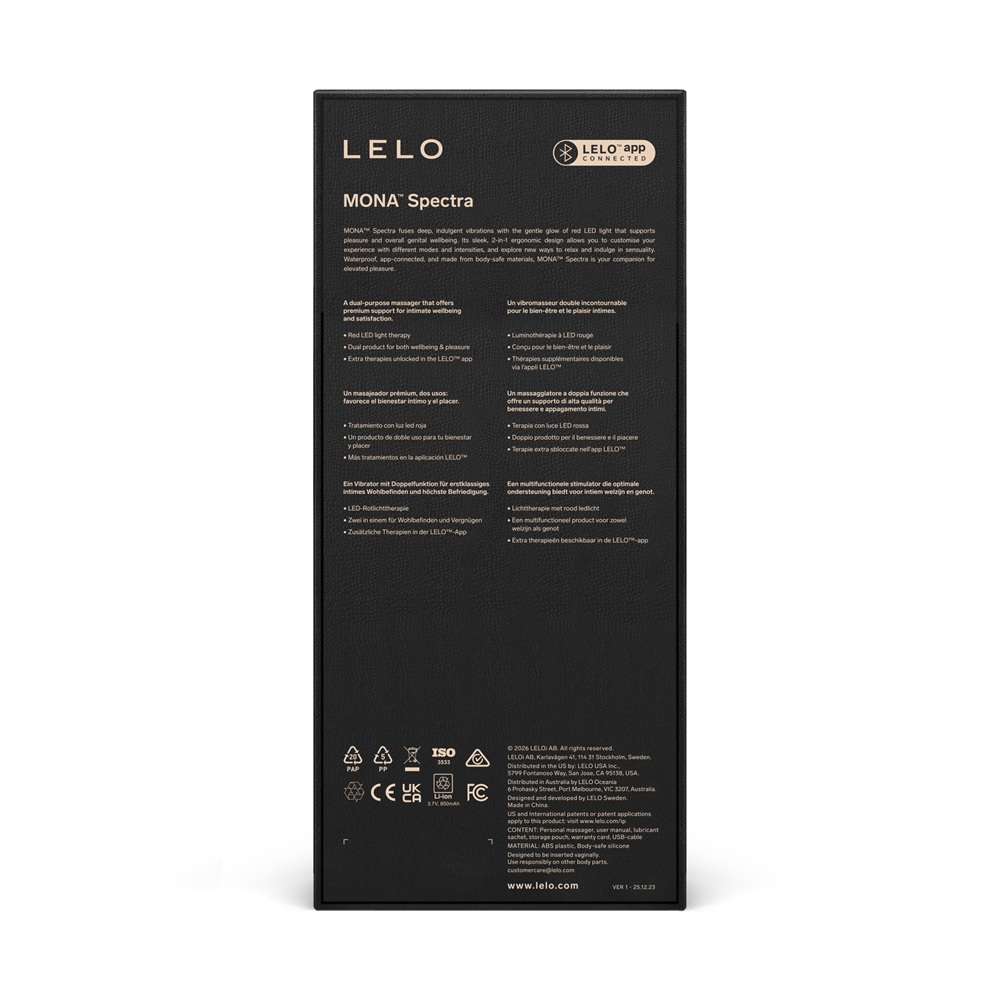
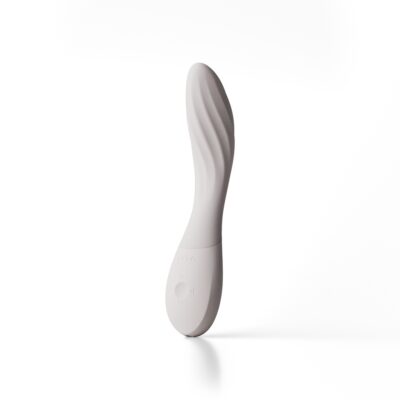
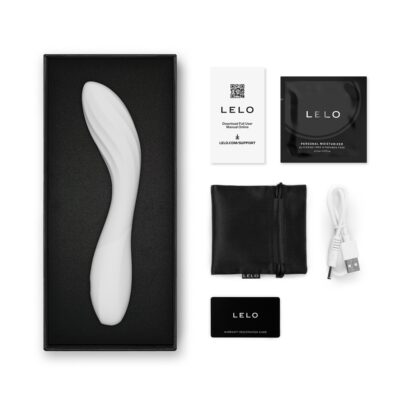
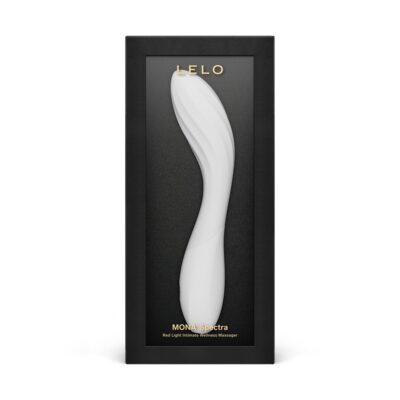
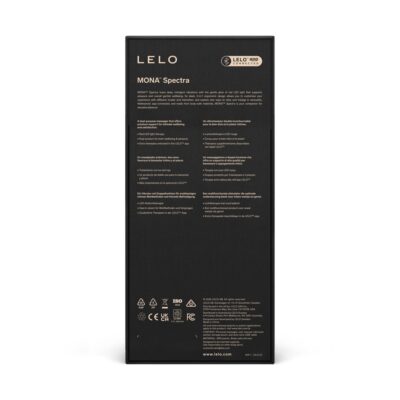
LELO Mona Spectra Red LED Light G-Spot Vibrator
: €299.99
| Brand | LELO |
|---|---|
| SKU | N13140 |
| Barcode | 7350167260957 |
LELO Mona Spectra G-Spot Vibrator
Features:
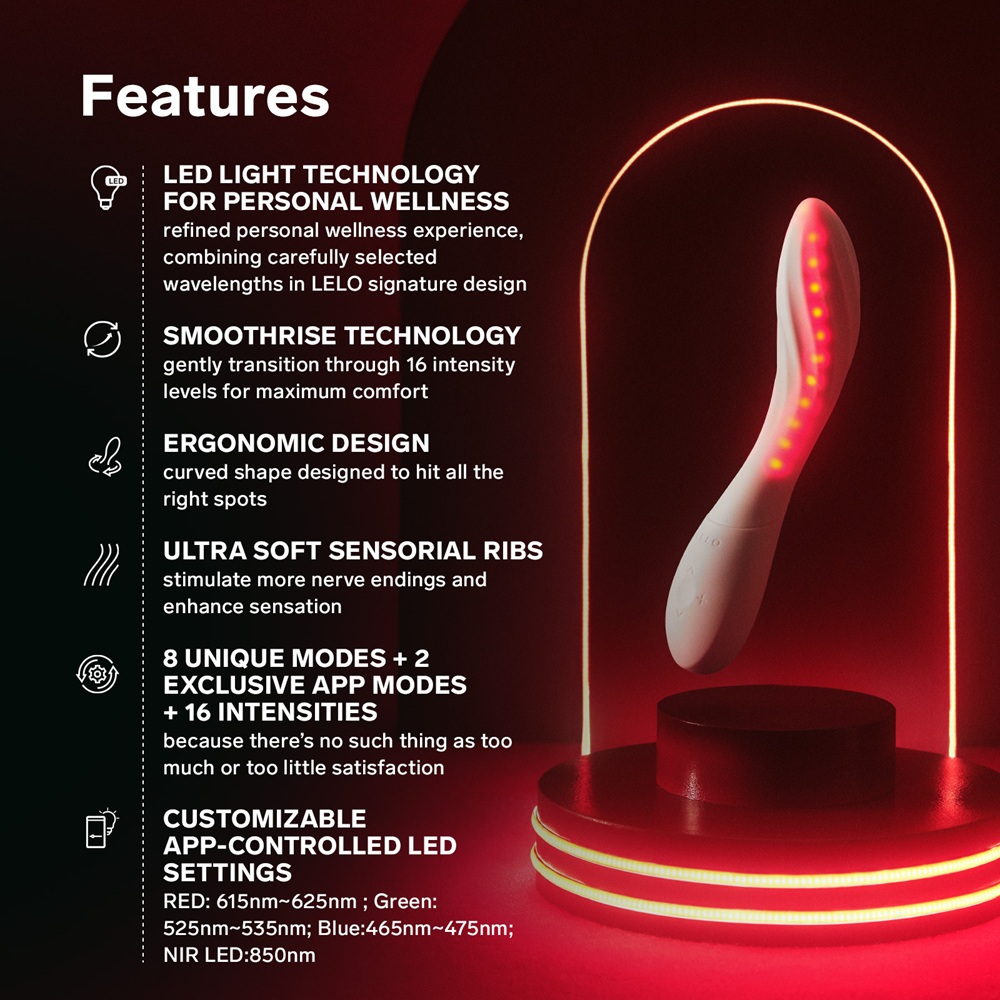
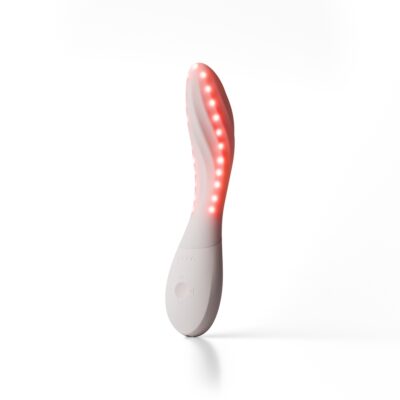
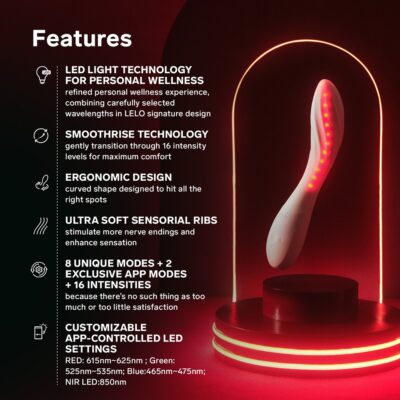
- Uses LED light technology for personal wellness from the inside out with clinically explored LED wavelengths
- Mona Spectra naturally generates a gentle thermal energy throught the LED lights which may help relax the pelvic muscles and increases blood flow leading to a more comfortable experience
- Smoothrise technology allows gentle transition through 16 intensity levels
- Ergonomic design
- Ultra soft sensorial ribs stimulate more nerve endings and enhance sensation
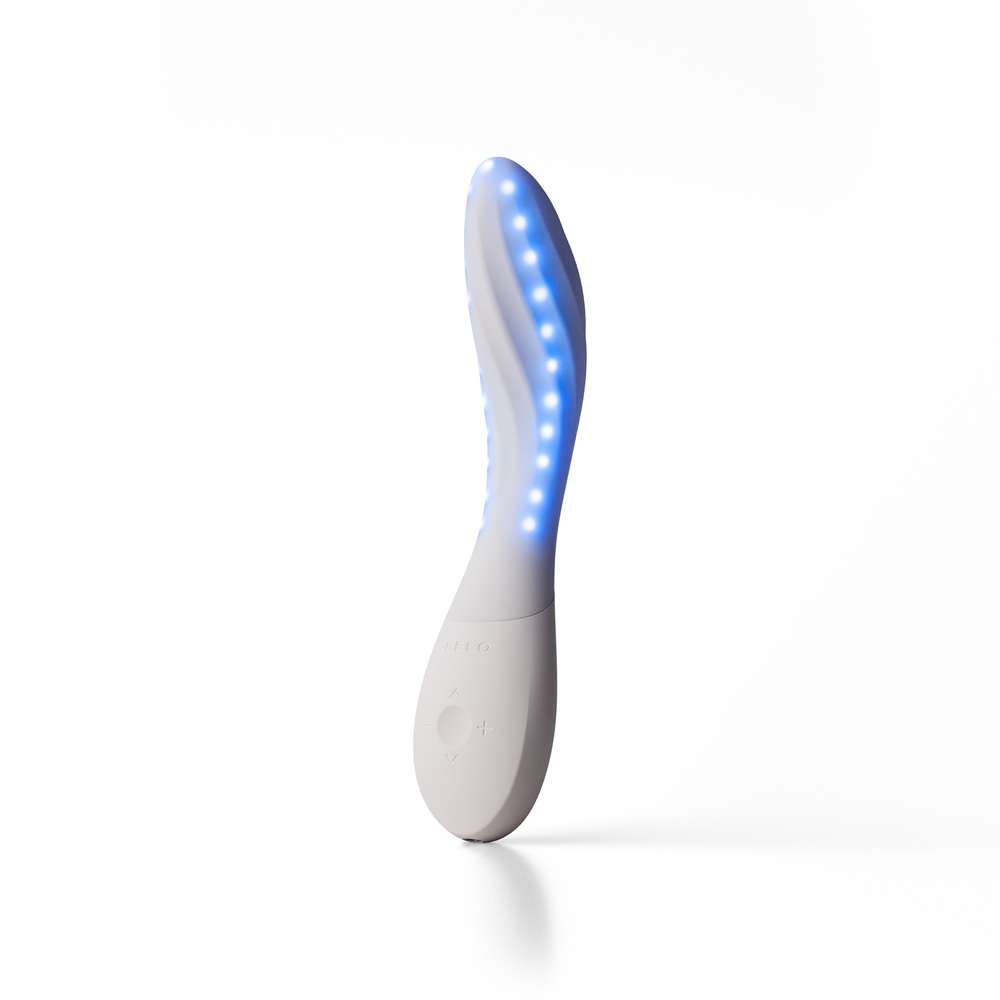
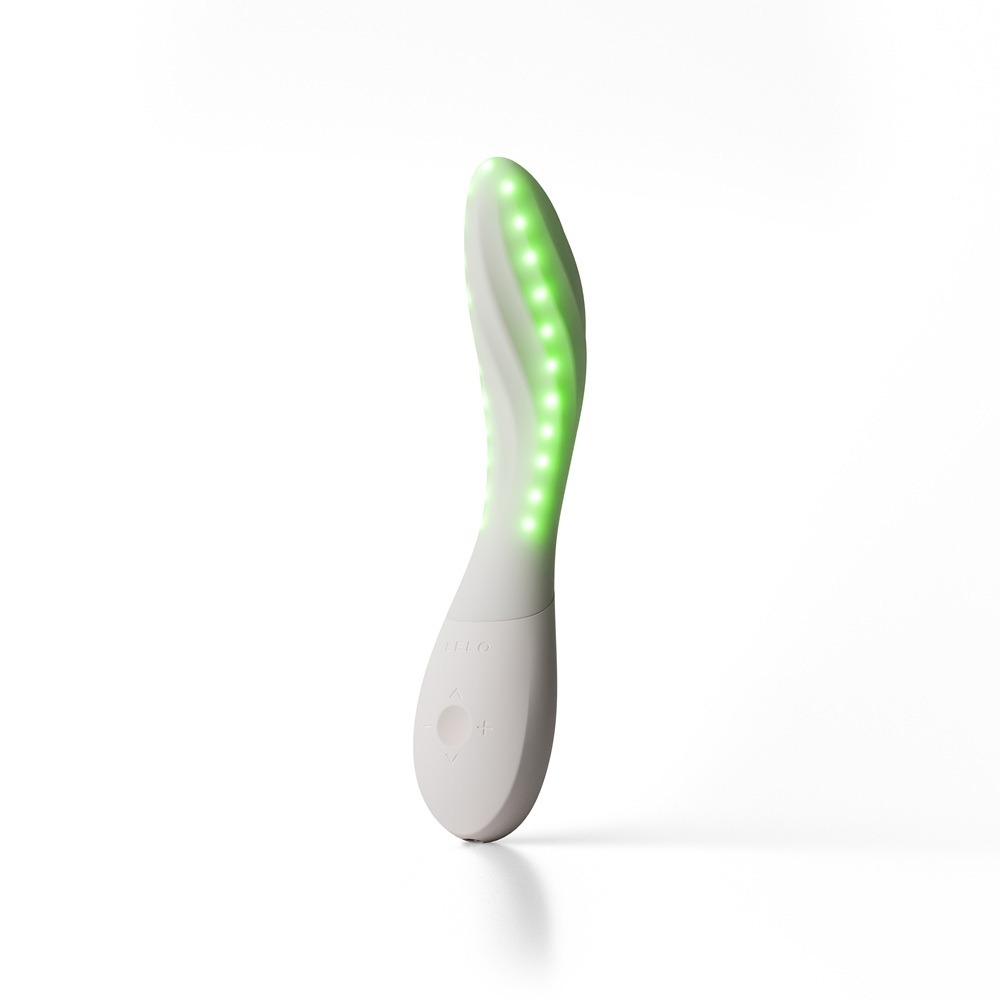
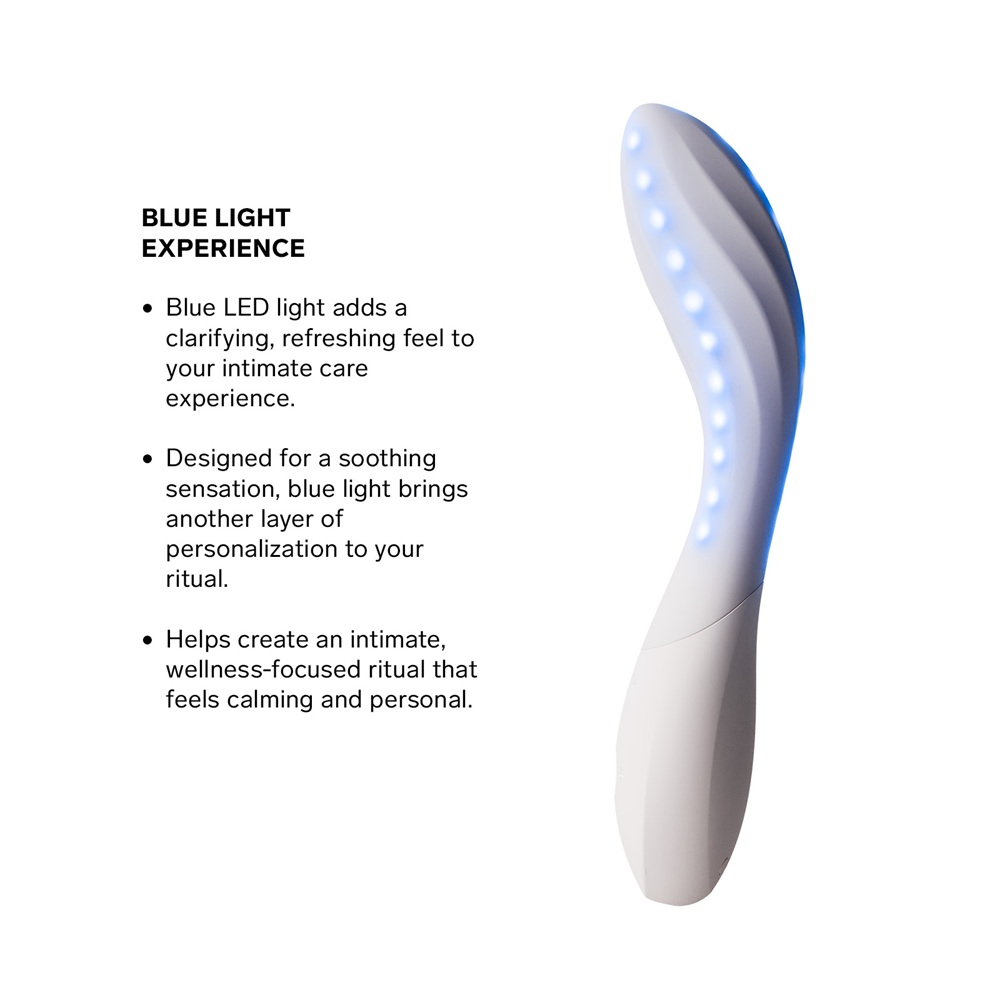
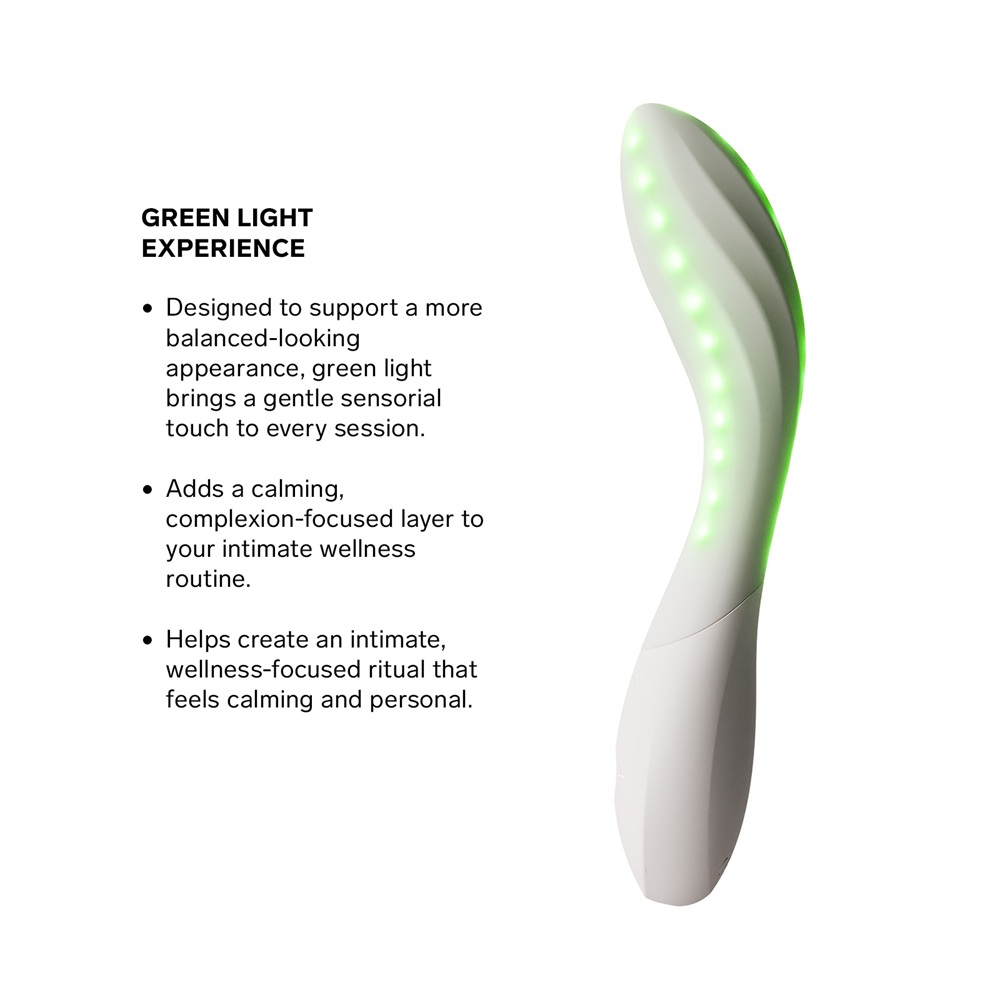
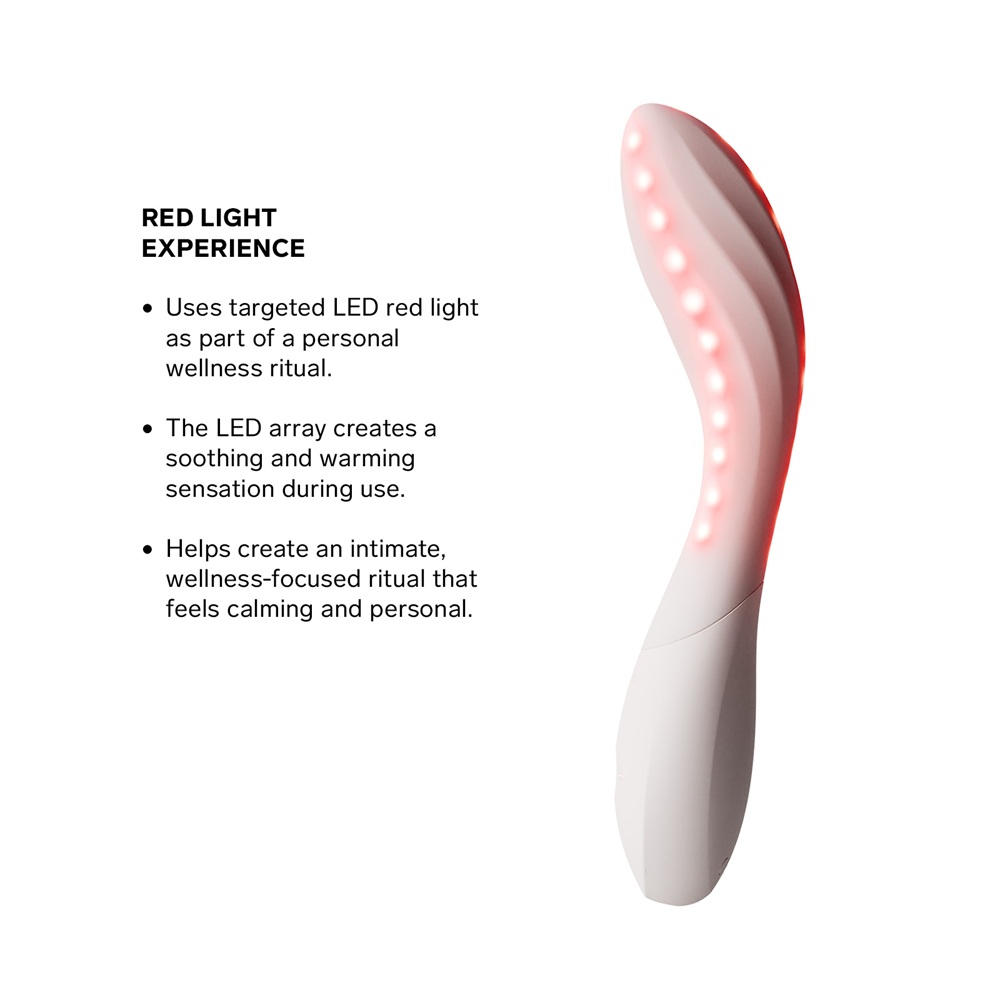
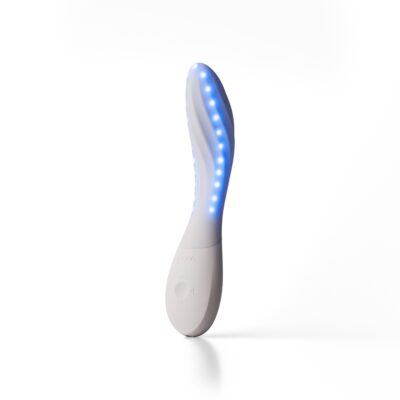
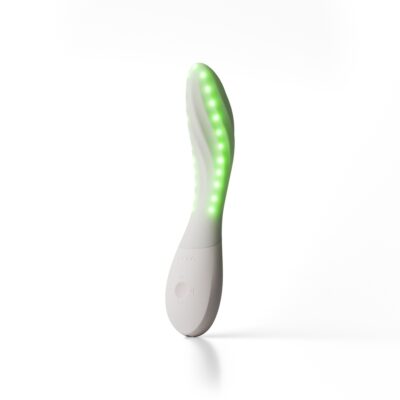
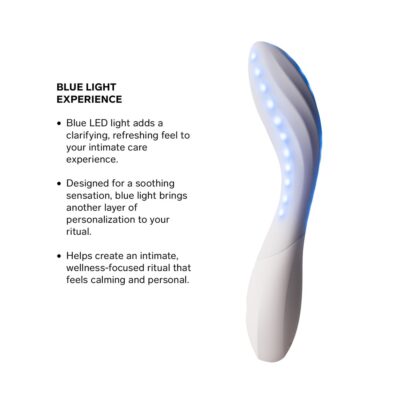
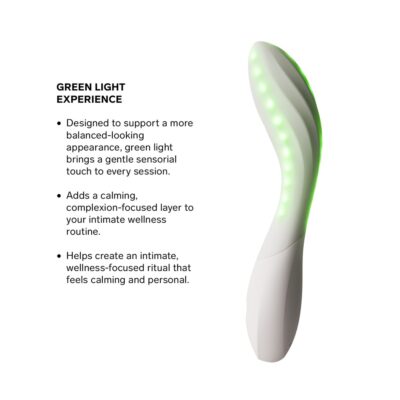
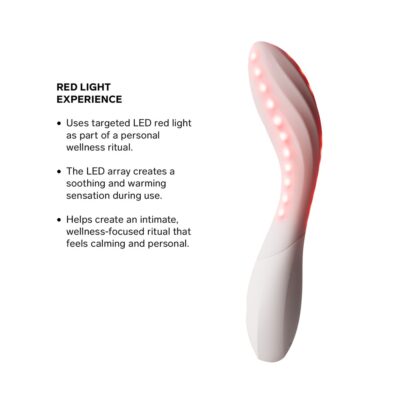
- Customisable app-controlled LED setting – red creates a soothing and warming sensation during use, blue adds a clarifying, refreshing feel to your intimate care, green is designed to support a more balanced look bringing a gentle sensorial touch to every session
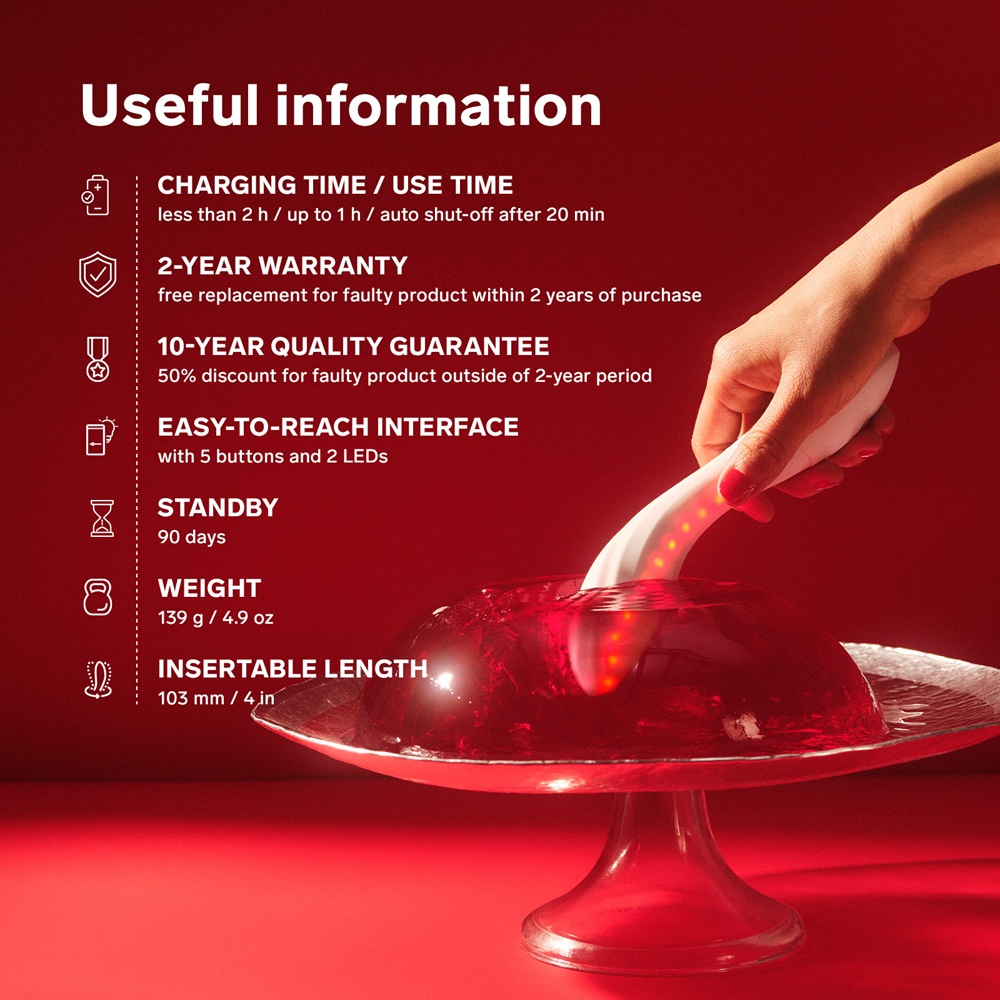
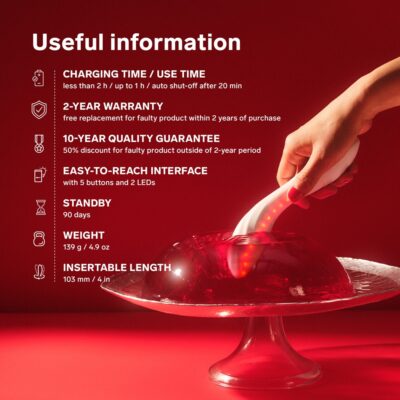
- Product insertable length: 4 inches/10.3 cm
The LELO Mona Spectra is an innovative G-spot massager that combines traditional ergonomic pleasure design with integrated, UV-free LED light technology.
Always use with water-based lubricant.
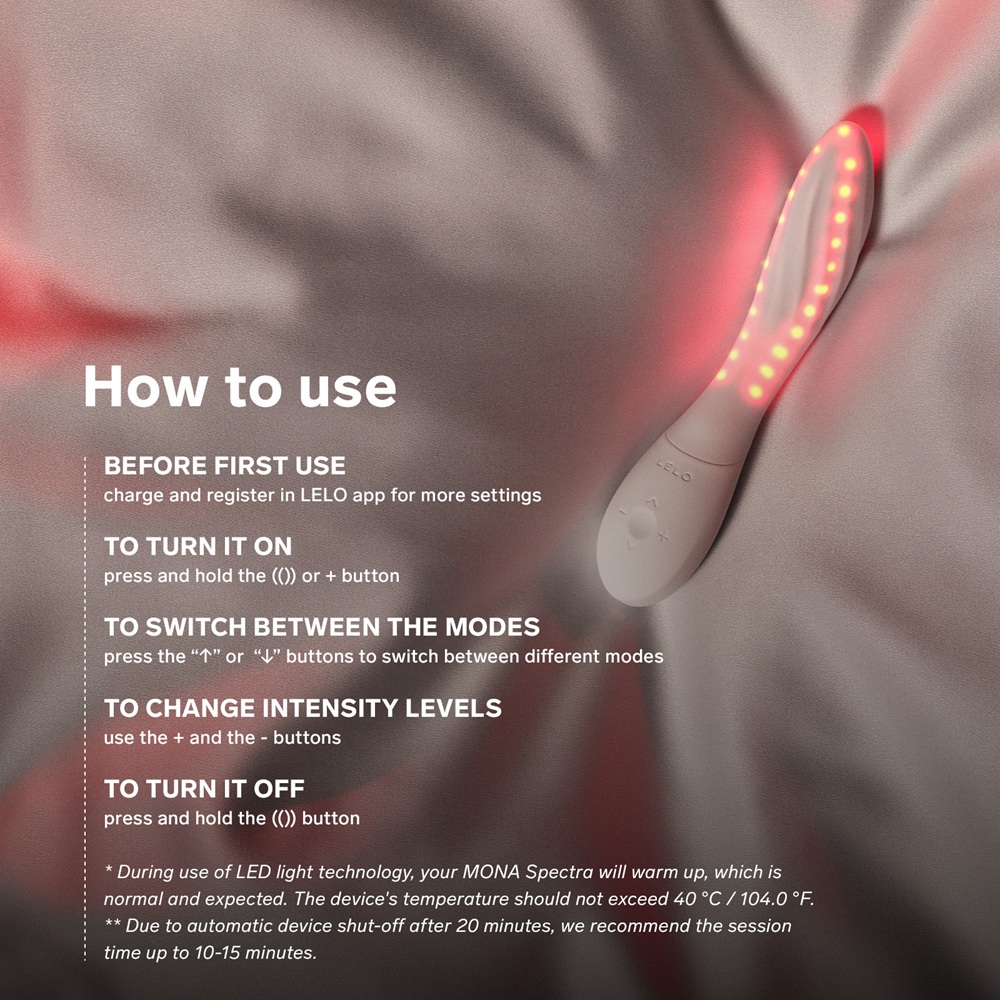
How to use:
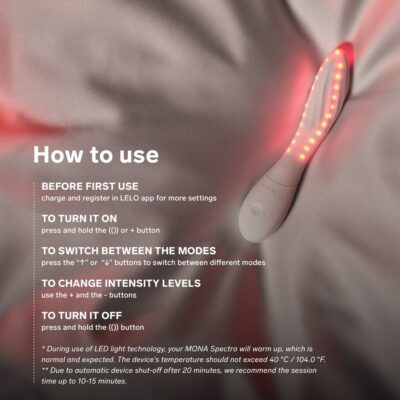
- Before first use, charge and register in Lelo app for more settings
- Press and hold the + or the centre button to switch on.
- Press the “↑” or “↓” buttons to switch between 8 different modes
- Use the + and – buttons to increase or decrease the intensity
- Double click the centre button to turn on or of
- To turn off press and hold the () button.
How to use with the Lelo App
- Download the IOS / ANDROID version.
- Press the center button for 3 seconds to turn it on while activating the Bluetooth.
- All the LED lights will blink simultaneously, showing the Bluetooth pairing.
- Open the LELO™ app and locate the toy icon at the bottom of the screen. Find your
MONA™ Spectra and select ‘’Connect’’. Press and hold the button on your device.
Confirm the connection by pressing the button on your product again. - Go to ‘’MY LELO TOYS’’ and select ‘’PLAY’’.
- Choose from red, blue, or green LED light settings, plus optional NIR (near-infrared)
light that can be activated separately. Use the lights together with vibration modes or
enjoy LED light technology independently without vibration. - Go to “SETTINGS” to set your device according to your preferences.
- Click the “SAVE” button at the bottom of your screen to save settings for offline use.
- Use the drop-down menu to set the default auto power off to 10-20 minutes. The battery level is in the upper left corner.
| Weight | 0.180 kg |
|---|---|
| Dimensions | 24.5 × 11 × 5.2 cm |
| Brands |
| Brand | LELO |
|---|---|
| Weight | 0.180 |
| SKU | N13140 |
| Size Imperial | Product size: 7.7 x 1.67 x 1.39 inches, Insertable length: 4 inches |
| Size Metric | Product size: 19.5 x 4.2 x 3.5 cm, Insertable length: 10.3 cm |
| Power | USB Rechargeable |
| Battery Type | 3.7V lithium battery with 850 mAh |
| Battery Voltage | 3.7 V |
| Barcode | 7350167260957 |
Be the first to review “LELO Mona Spectra Red LED Light G-Spot Vibrator”
You must be logged in to post a review.
Reviews
There are no reviews yet.